



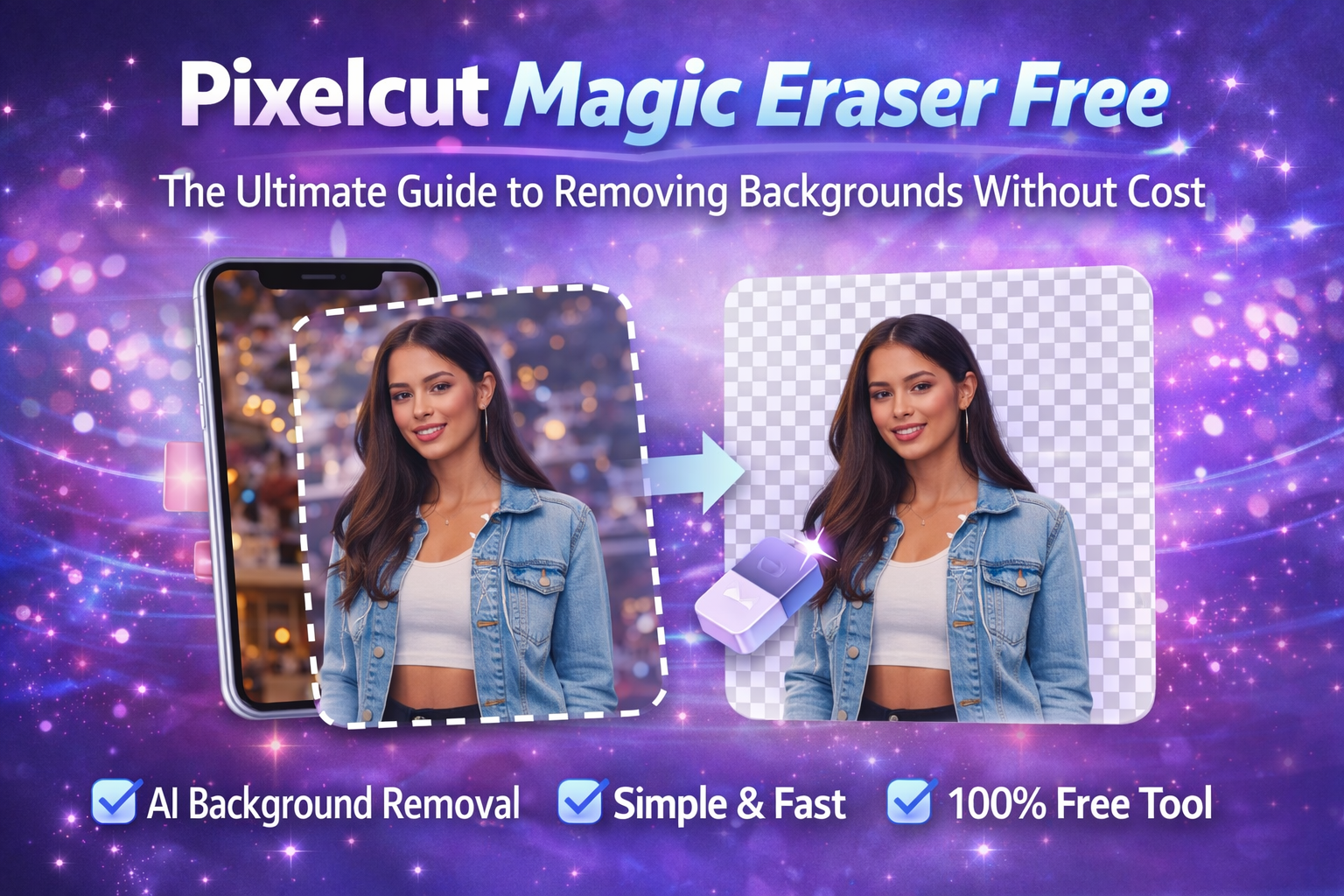
Introduction: Why Pixelcut Magic Eraser Free Is So Popular
In today’s visual-first digital world, clean and professional images matter more than ever. Whether you are a content creator, online seller, student, or small business owner, image editing has become a daily need. This growing demand is exactly why Pixelcut Magic Eraser Free has gained massive attention. People want a fast, easy, and cost-free way to remove backgrounds or unwanted objects without advanced design skills.
Unlike traditional photo-editing software that requires experience and expensive subscriptions, Pixelcut Magic Eraser Free focuses on simplicity. With just a few taps, users can erase distractions from images and create polished visuals. This article explores how Pixelcut Magic Eraser Free works, who it’s for, what it can and cannot do, and whether it’s truly free in real-world usage.
What Is Pixelcut Magic Eraser Free?
Pixelcut Magic Free is an AI-powered image editing tool designed to remove unwanted elements from photos. It uses smart object recognition to identify backgrounds, people, or items and erase them cleanly. The tool is part of the Pixelcut platform, which targets everyday users rather than professional designers.
The “magic eraser” feature is especially useful for:
-
Removing backgrounds from product photos
-
Cleaning up cluttered images
-
Deleting unwanted objects or people
-
Creating clean visuals for social media
The free version gives users access to basic object removal features without requiring payment, making it appealing to beginners and budget-conscious users.
How Pixelcut Magic Eraser Free Works
The process behind Pixelcut Magic Eraser Free is surprisingly simple. It relies on artificial intelligence rather than manual editing.
Step-by-Step Process
-
Upload an image from your device
-
Select the magic eraser tool
-
Highlight the object or background you want removed
-
Let the AI process the image
-
Download the edited result
The AI analyzes edges, textures, lighting, and depth to determine what should stay and what should disappear. This makes the tool accessible even to users with no design experience.
Key Features of Pixelcut Magic Free
AI-Powered Object Removal
The tool automatically detects unwanted elements and removes them with minimal effort.
No Design Skills Required
Users do not need Photoshop knowledge or technical training.
Mobile-Friendly Experience
Pixelcut is optimized for smartphones, making editing possible on the go.
Fast Processing
Most edits are completed within seconds.
Beginner-Friendly Interface
The clean layout allows anyone to use the tool comfortably.
Who Should Use Pixelcut Eraser Free?
Pixelcut Magic Eraser Free is not built only for designers. It’s designed for everyday users.
Online Sellers
Perfect for cleaning product photos for e-commerce listings.
Social Media Creators
Helpful for creating eye-catching posts without distractions.
Students
Useful for presentations, projects, and visual assignments.
Small Business Owners
Great for creating marketing visuals without hiring designers.
Casual Users
Anyone who wants better-looking photos without complexity.
Pixelcut Magic Eraser vs Paid Version
Many users wonder what they get for free and where the limits begin.
Free Version Includes
-
Basic object removal
-
Limited image exports
-
Standard resolution downloads
-
Watermark may apply in some cases
Paid Version Offers
-
Higher resolution exports
-
No watermarks
-
Advanced editing tools
-
Batch editing support
While Pixelcut Magic Eraser Free is useful for basic tasks, professional users may eventually feel limited.
Is Pixelcut Magic Eraser Free Really Free?
This is an important question. Pixelcut Magic Free does offer real functionality without payment, but there are limitations.
-
Some features are locked behind a premium plan
-
Export quality may be restricted
-
Watermarks may appear on certain images
-
Daily usage limits may apply
That said, for casual use, the free version is more than enough and does not require immediate upgrades.
Advantages of Using Pixelcut Magic Eraser Free
Saves Time
Manual editing can take hours. Pixelcut does it in seconds.
Cost-Effective
No upfront payment or subscription needed.
Easy Learning Curve
Even first-time users can edit confidently.
AI Accuracy
The tool handles edges and details surprisingly well.
Perfect for Quick Edits
Ideal for fast social media or product updates.
Limitations You Should Know About
No tool is perfect, and Pixelcut Magic Eraser Free has a few downsides.
-
Struggles with very complex backgrounds
-
Limited control over fine details
-
Export quality may not suit professional printing
-
Requires internet connection
Understanding these limits helps set realistic expectations.
Best Free Alternatives to Pixelcut Magic Free
If Pixelcut does not meet your needs, there are other free tools worth exploring.
Online Background Removers
Many web-based tools offer similar AI-based background removal.
Mobile Editing Apps
Some apps provide free eraser tools with ads.
Open-Source Image Editors
Free software can offer more control but requires learning.
Each option has trade-offs between ease, quality, and flexibility.
Tips to Get Better Results with Magic Eraser Free
-
Use high-quality images whenever possible
-
Avoid overly busy backgrounds
-
Zoom in while selecting objects
-
Make small selections instead of large ones
-
Test multiple versions before exporting
These tips significantly improve output quality.
Is Pixelcut Magic Eraser Free Safe to Use?
Safety is a common concern with online tools. Pixelcut generally follows standard privacy practices.
-
Images are processed temporarily
-
No public sharing unless you choose to
-
Basic account protection is provided
However, users should avoid uploading sensitive or personal images.
Future of AI Tools Like Magic Eraser Free
AI-powered editing tools are evolving rapidly. In the near future, we can expect:
-
Better edge detection
-
More realistic background blending
-
Increased free features
-
Faster processing speeds
Pixelcut Magic Eraser Free is part of this growing trend toward accessible creative tools.
Conclusion: Is Pixelcut Magic Eraser Free Worth Using?
Yes, Pixelcut Magic Eraser Free is absolutely worth using if you need a quick, simple, and cost-free solution for removing backgrounds or unwanted objects. While it may not replace professional design software, it fills an important gap for everyday users. Its AI-driven simplicity, mobile-friendly design, and free access make it an excellent starting point for anyone exploring image editing.
For casual use, social media content, and basic product images, Pixelcut Magic Eraser Free delivers impressive results without complexity or cost.
Frequently Asked Questions (FAQs)
1. Is Pixelcut Magic Eraser Free completely free to use?
Yes, it offers real editing features for free, but with limitations such as resolution caps and possible watermarks.
2. Do I need design experience to use Pixelcut Magic Eraser Free?
No, the tool is designed for beginners and works with simple selections.
3. Can Pixelcut Magic Eraser Free remove backgrounds automatically?
Yes, it uses AI to detect and remove backgrounds quickly.
4. Does Pixelcut Magic Eraser Free work on mobile devices?
Yes, it is optimized for smartphones and tablets.
5. Is Pixelcut Magic Eraser Free suitable for professional use?
It works well for basic tasks, but professionals may prefer paid tools for higher control and quality.
